The app
NBA House on your home screen.
Install it straight from the site: no app store, free, smaller than a photo. It opens full screen with its own icon, and sends you alerts.
- Alerts on your phone: your bets as they settle, a player reaching your number, your teams' tip-offs, close finishes and finals.
- One tap to tonight: the slate, live games and your bankroll, without typing an address.
- Always the latest: it is the site itself, so it never needs an update.
You are in the app already. Turn on alerts above, if you have not yet.
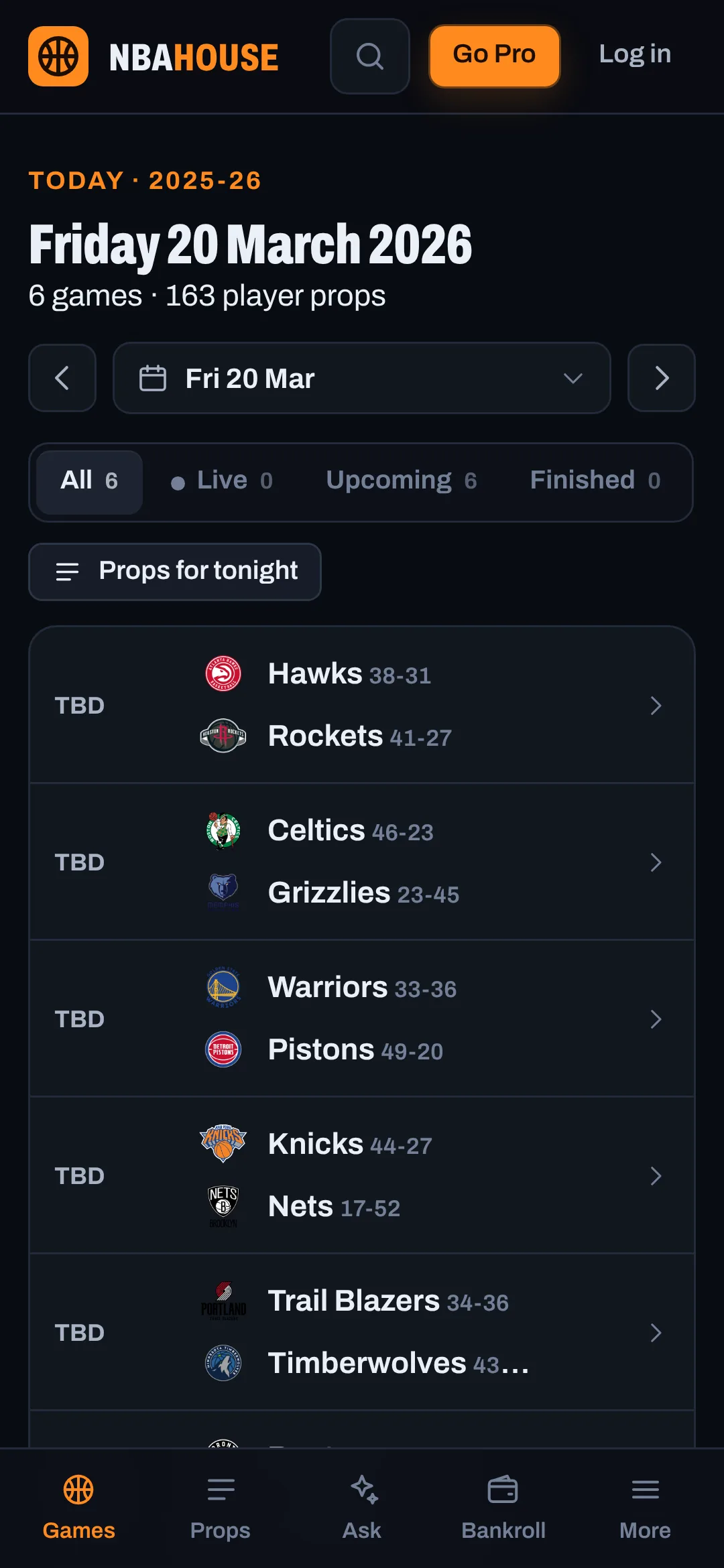
How to install it
iPhone and iPad
- Open nbahouse.net in Safari.
- Tap the Share button (the square with the arrow).
- Choose Add to Home Screen, then Add.
- Open NBA House from your Home Screen, go to Account → Notifications and tap Turn on.
Alerts on iPhone need iOS 16.4 or later, and the app on the Home Screen.
Android
- Open nbahouse.net in Chrome.
- Tap Install above, or the menu ⋮ → Install app.
- Open it and turn on alerts in Account → Notifications.
Computer
- Chrome or Edge: the install icon at the right of the address bar, or the menu → Install NBA House.
- Safari on Mac: File → Add to Dock.
- Alerts work in the browser too, installed or not.